Costs
Part of What a Campaign Brief Template Must Contain
Building a Reusable Brief from Six Months of Old Campaigns
how to create campaign brief templates by auditing work, mapping decisions, building a stable core, adding conditional modules, piloting, and governing versions.
What to take away
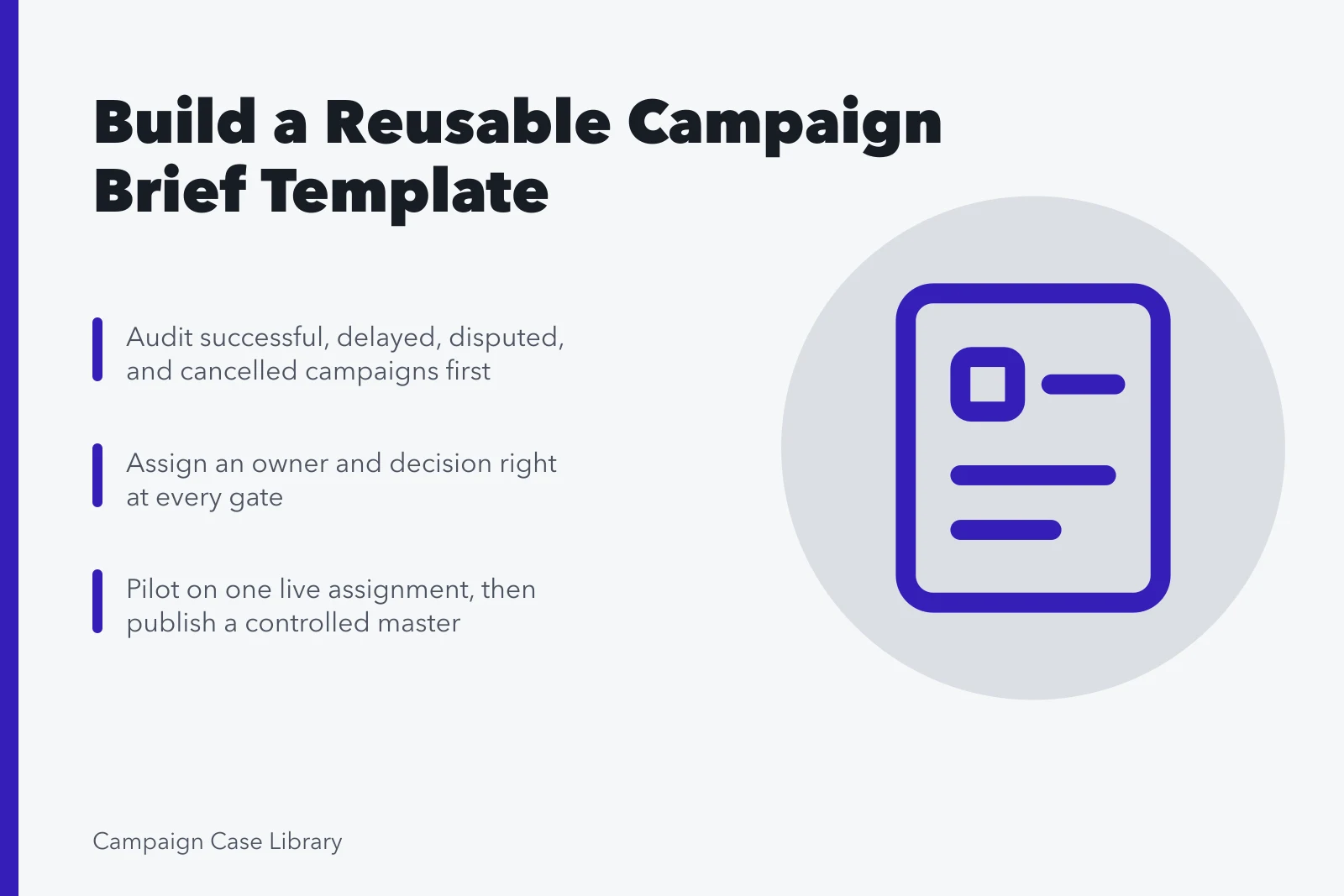
- Study successful, delayed, disputed, and canceled assignments before deciding which fields the reusable template needs.
- Map the real commissioning and approval workflow so every field has an owner, purpose, evidence standard, and decision gate.
- Pilot the design on one live assignment, revise observed failures, and publish a controlled master with a named owner and archive.
How to create campaign brief templates begins with the decisions teams repeatedly make. Study real assignments, map the commissioning path, and build prompts that expose missing evidence, choices, owners, and risks before anyone invests in creative production.
Audit prior briefs
The GOV.UK Service Manual's user-needs standard asks teams to understand the problem, users, context, research, and assumptions before building a service. Apply the research discipline to the people who commission, answer, approve, execute, and evaluate briefs; the page is service guidance, not a universal marketing rule.
Sample successful, delayed, disputed, and cancelled campaigns. Note absent objectives, mixed audiences, hidden budgets, late compliance, changing deliverables, conflicting feedback, weak measurement, and unused sections.
Map the briefing workflow
Define intake, triage, research, draft, subject review, accessibility and claims review, budget approval, procurement, final approval, supplier questions, response, selection, kickoff, change control, and closeout. Assign an owner and decision right at every gate. The objectives a brief inherits sit one level up, in the marketing strategy templates the team already approved.
Build a stable core
Create fields for problem, evidence, organization objective, communication objective, audience behavior, insight, desired response, proposition, messages, scope, deliverables, channels, timing, budget, roles, safeguards, risks, selection, and evaluation.
Add conditional modules
Use optional modules for paid media, events, creators, international markets, public procurement, regulated offers, personal information, crisis response, and behavior change. Avoid one enormous form that invites empty or invented answers.
Write completion guidance
For every field, explain the required decision, evidence, acceptable format, owner, and example. Label facts, estimates, targets, and constraints. Add source, date, geography, method, and limitation prompts wherever a claim may affect strategy or spend.
Pilot and govern
The Service Manual's agile governance principles emphasize timely decisions by the right people, defined authority, evidence, risk awareness, and learning through retrospectives. Translate those ideas into explicit brief approvals and review cycles without assuming the source's government-service setting applies unchanged. Suppliers answer a brief in writing, and the marketing proposal templates shape what that answer has to cover.
Run the prototype on one real campaign with an uninvolved reviewer. Measure questions, rework, approval time, scope changes, and missing data. Revise the language, then publish a controlled master with version, owner, change log, access rules, and review date.
Treat the template as an operating control, not a document-design exercise. Review it after projects finish. Change a prompt only when evidence shows it improves decision quality, comparability, safety, or handoff. Archive the prior master, explain the change, and never rewrite active briefs in place. Give every retired version a final status and an archive owner.
Template creation workflow
| Stage | Evidence produced | Failure to avoid |
|---|---|---|
| Audit | Recurring defects and useful controls | Copying a favorite form |
| Map | Owners, inputs, gates, handoffs | Ignoring the real workflow |
| Prototype | Stable core and conditional modules | One oversized form |
| Pilot and publish | Observed fit, revision, governed master | Uncontrolled copies |
Run a controlled handoff
The GOV.UK technology selection guidance recommends adaptable choices, data control, security review, and ownership-cost analysis. Use those questions when assessing the tool that will hold the master, not as endorsements. Which prompts the master keeps is a separate decision, set out in the campaign brief template sections.
The CISA software acquisition fact sheet covers development practice, supply-chain exposure, deployment, and vulnerability management. Add those questions to the review, but not as local approval.
Common questions
How many old briefs should be audited?
Choose a sample varied enough to expose recurring defects across outcomes, teams, and markets. Explain its limits.
Who should test the prototype?
Include a commissioner, strategist, producer, approver, accessibility reviewer, and external respondent; each meets a different part of the handoff.
When should a field be removed?
Remove it when repeated use shows it does not improve evidence, choice, approval, or traceability.