Strategy
Part of Marketing Plan Templates: Structure, Wording and the Parts to Adapt
What Does the Evidence Actually Show About Marketing Plan Templates?
marketing plan template design tips for 2027 improve hierarchy, prompts, tables, contrast, inputs, accessibility testing, exports, and document control.
What to take away
- Published research on new ventures, surgical checklists, form labels, and web accessibility backs these rules.
- No public study isolates a marketing plan template as the cause of a marketing result.
- Design for comprehension, completion, review, navigation, and reuse before adding visual decoration.
- Test the source and every export with representative users, devices, zoom, keyboard use, and assistive technology.
Marketing plan template design tips should improve comprehension, completion, review, and accessibility. The evidence behind them comes from four bodies of work: new-venture planning studies, checklist trials in surgery, form usability research, and annual accessibility audits.
Test the template with the people who write, approve, operate, and audit the plan, including users of assistive technology.
What the evidence shows
Frederic Delmar and Scott Shane reported in the Strategic Management Journal in 2003 that planning activity in new ventures was tied to fewer ventures disbanding and more product development.
Brinckmann, Grichnik and Kapsa's 2010 meta-analysis in the Journal of Business Venturing pooled small-firm studies and reported a positive but moderate link between business planning and performance.
Alex Haynes and colleagues reported in the New England Journal of Medicine in 2009 on the WHO Surgical Safety Checklist across eight hospitals. Inpatient complications fell from about 11 percent to 7 percent, and deaths fell from about 1.5 percent to 0.8 percent. Every item required a spoken confirmation.
Nielsen Norman Group's 2014 research found that placeholder-only labels slow completion and raise error rates on forms.
WebAIM's annual Million report covers one million home pages, and more than 9 in 10 have carried detectable WCAG failures, low contrast text most often.
No publicly reported study isolates a marketing plan template as the source of a marketing result, so treat the evidence as design constraints rather than proof.
Use a visible hierarchy
The W3C Web Accessibility Initiative's page-structure tutorial says well-structured content supports navigation and processing and recommends logical headings that label sections by relationship and importance. The tutorial is web-focused, so apply its structural principles carefully to document styles and exported formats.
WCAG 2.2, published as a W3C Recommendation in 2023, makes heading order and contrast testable criteria.
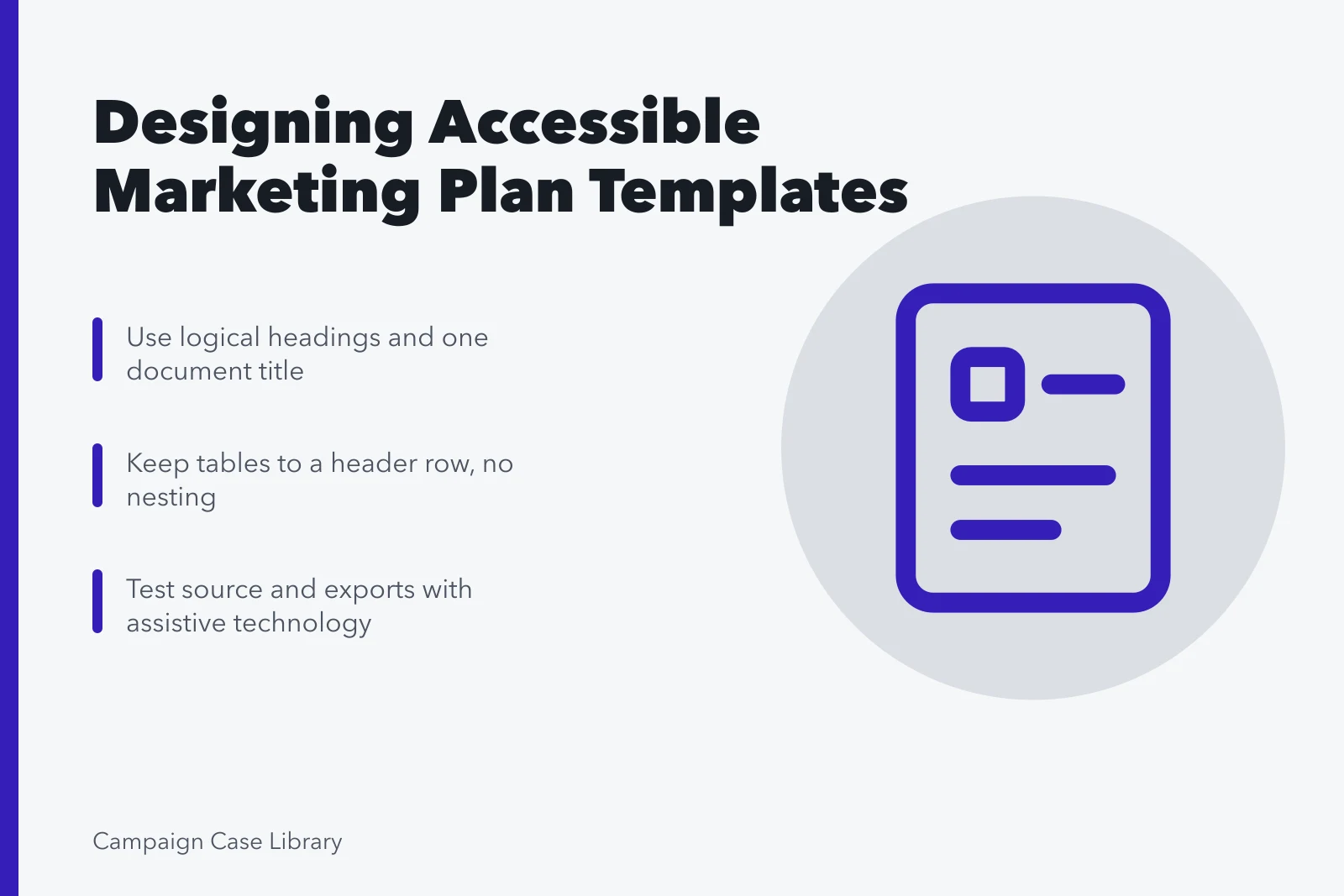
Create one document title, logical heading levels, short sections, and descriptive labels. Use real heading styles that preserve hierarchy for visual and assistive navigation. Never mimic a heading with size, color, or bold alone.
Write prompts as questions
Ask for the decision, evidence, source, assumption, and owner. Ask for time, cost, measure, limit, and next action. Put short instructions beside the field and longer guidance in a separate usage note.
The prompts follow the marketing plan template sections order, so each question belongs to a block someone owns; show the answer type needed, not a fabricated business answer users may leave in place.
Prefer simple structures
Section508.gov's document data-table guidance says accessible tables help all readers and screen-reader users and recommends clear header treatment for Word, PowerPoint, Excel, and PDF. Use a table only for real rows and columns, then test the source and converted output.
Smartsheet publishes free marketing plan templates in document and spreadsheet formats, so a table built in Word has to survive the spreadsheet version.
Use paragraphs and lists for narrative. Keep tables to a header row with no nested structure, and move large registers or calculations into controlled sheets. Test every export.
Do not rely on color
Use sufficient contrast and add text labels or symbols to status. Preserve meaning in grayscale, high contrast, print, and exported PDF. Keep typography familiar, spacing consistent, and line lengths readable. Avoid dense decorative sidebars that interrupt reading order.
Design inputs and outputs
Mark mandatory, conditional, calculated, linked, and approval fields consistently. A marketing plan template checklist later verifies those markings field by field.
Named libraries give you a start. The SBA's plan builder is free, and SCORE offers free templates and volunteer mentors.
HubSpot's template is free; its paid Marketing Hub tiers typically start near $20 per month as of 2026. Smartsheet's templates are free, with paid plans typically $9 to $32 per user per month.
Canva, Notion, and Asana also publish free marketing plan templates. Canva Pro typically runs about $120 per year for one person, and Asana's paid tiers typically run about $11 to $25 per user per month.
Protect formulas and the master copy. Provide stable identifiers for objectives, programs, measures, assumptions, and actions so related files can be reconciled without ambiguous names.
Test accessibility and export
Run the available accessibility checks, and inspect heading order, link text, alt text, table headers, and keyboard behavior. Test zoom, mobile view, comments, printing, and PDF export.
Test with NVDA or JAWS on Windows and VoiceOver on Apple devices. Apply the current standards and qualified testing for the organization and audience.
Finish with document control
Place owner, status, version, approval date, and next review where users can find them. Keep a concise change log and an approved snapshot. A clean design helps a reader answer what changed, who decided, which evidence supports it, and what happens next.
Design acceptance tests
| Element | Design rule | Test |
|---|---|---|
| Headings | Logical styled hierarchy | Navigate without visual cues |
| Tables | Simple headers and relationships | Read by row and column |
| Status | Text plus visual treatment | Works without color |
| Export | Structure survives conversion | Inspect PDF and mobile view |
Make the comparison reproducible
The GAO evaluation design guide connects evaluation questions with evidence needs and design choices. Apply that discipline to marketing plan template design tips; federal evaluation guidance does not make a local marketing result causal or transferable.
The NIST experimental design selection guidance begins design choice with the objective and practical constraints. It supports separating design reporting from controlled effect estimates, not turning observation into causation.
Common questions
Should a marketing plan template use tables?
Use tables for genuine row-and-column relationships. Use headings, paragraphs, and lists when they communicate the material better.
Can color communicate approval status?
Color can reinforce status, but add explicit text so meaning survives grayscale, high-contrast settings, printing, and color-vision differences.
What should be tested after PDF export?
Check tags or structure, headings, links, reading order, and tables. Then check alt text, fonts, page breaks, zoom, and keyboard behavior. Test with actual assistive technology.
Do the studies prove a template works?
Not directly. The planning research measured activity, the checklist trial ran in surgery, and the accessibility reports measure pages.